

1
Visit CFX.re Keymaster
Go to the CFX.re Keymaster Granted Assets and log in using the same CFX account used to purchase the script.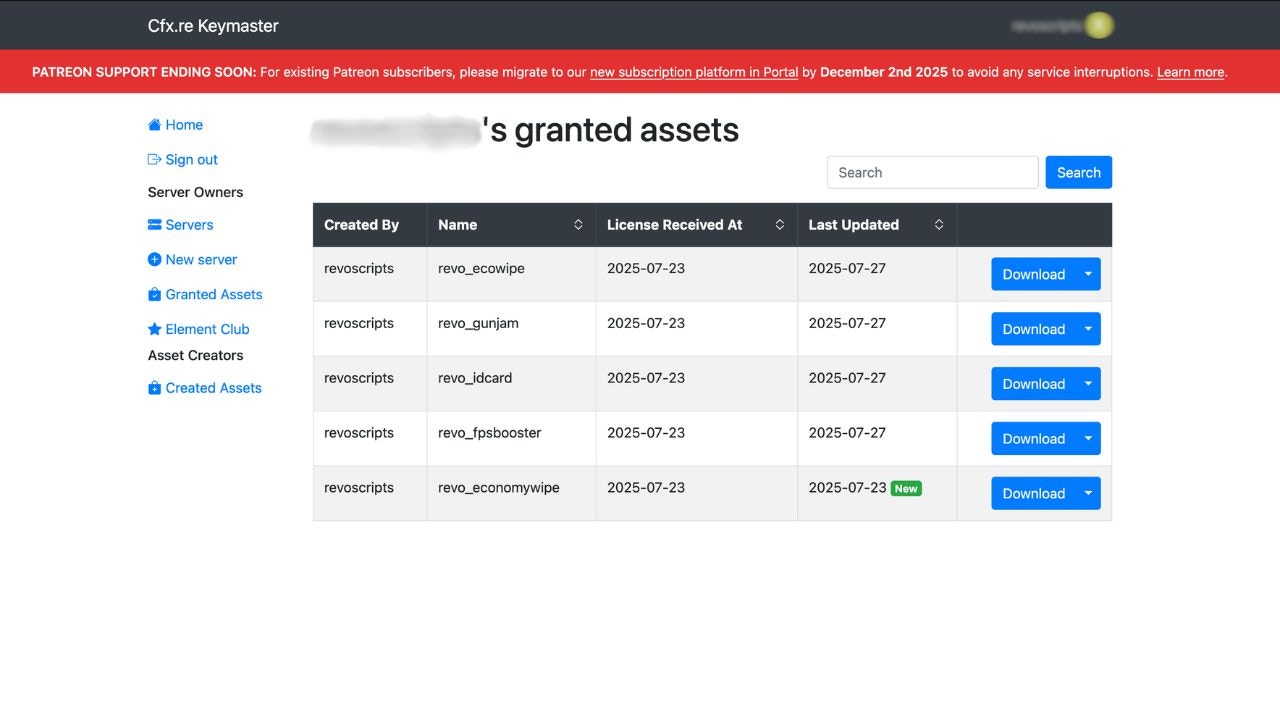
2
Download the Latest Version
Locate Revo HUD in your granted assets and download the latest available bundle.
The latest version will always be available in your asset grant. There’s no need to repurchase.
3
Back Up Your Customized Files
Before replacing the old script, copy these files from your current
revo_hud folder to a safe place:config.lua: your settingshtml/dist/server-logo.png: your logo (or whichever filelogoPathpoints to)locales/: only if you edited a language or added your ownmaps/postal/ormaps/satellite/: only if you installed a map pack
4
Replace the Old Script
- Unzip the newly downloaded script bundle
- Open your server directory and navigate to the
resourcesfolder - Delete the old
revo_hudfolder - Move the new
revo_hudfolder into theresourcesfolder
5
Restore Your Customizations
Put your logo and any edited language or map files back in the new folder.For
config.lua, do not simply overwrite the new file with your old one. A new version can add options. Open the new config.lua and copy your values from the old one into it, so any new options are kept.6
Restart the Resource
You can either restart your server or refresh the resource using:
What Is Kept Across Updates
- Players’ personal settings (colors, styles, layout, saved presets) are stored on each player’s own PC, so an update does not reset them.
- Nitrous kits and bottle levels, stress and best drift scores are saved by FiveM under the
revo_hudresource name, not in the resource folder. - Your
config.luais the only server-side file you normally edit.
When an update adds new text to the HUD, other languages show those lines in English until their language file has them. Copy the new lines from
en.json into your edited language files if you changed any.Verification
After updating, verify that everything is working correctly:- Check the Console: Make sure the resource starts without errors.
- Open the Menu: Type
/hudand make sure the settings menu opens. - Check Your Branding: Confirm your server name and logo still show.
- Check a Vehicle: Get in a car and check the speedometer, F7 panel and, if you use it, nitrous.
- Review Config: Confirm your custom settings in
config.luaare preserved.